
NotebookLM vs Gemini 3 Pro for Research: What Is Actually Different?
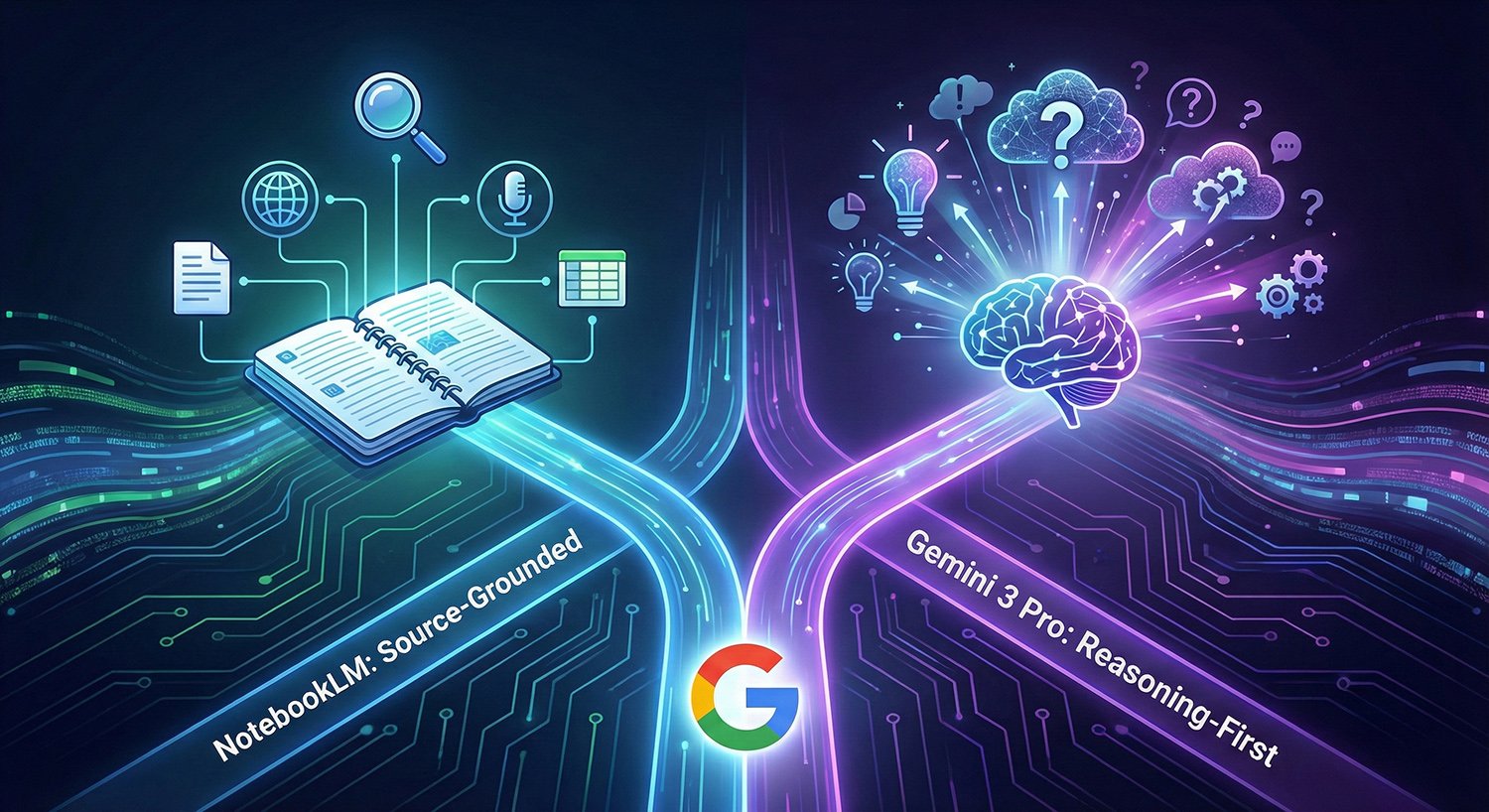
Image Credit: Jacky Lee
Google is pushing two distinct research workflows under the Gemini umbrella: NotebookLM, a source centred research notebook, and Gemini 3 Pro, a general purpose model that now sits inside the Gemini app (and the Gemini API). In recent updates, Google added Deep Research inside NotebookLM (plus broader file support), while Gemini 3 Pro began rolling out in the Gemini app as a selectable “Thinking” model option.
















What Each Tool is Built To Do
NotebookLM is positioned as an AI powered research and learning assistant that works from a notebook you populate with sources. Its core promise is that it answers using the materials you provide, with citations so readers can check where claims came from. It also supports transformations like audio and video overviews and mind maps, which turns a pile of documents into multiple study friendly formats.
Gemini 3 Pro is a model in the Gemini 3 family. In the Gemini app, it is accessed by selecting “Thinking” in the model menu, and Google has also published a developer facing version as “gemini 3 pro preview” in the Gemini API.
That distinction matters: NotebookLM is a product with a notebook workflow, while Gemini 3 Pro is a model that can be used across multiple products.
















How “Research” Works in Each Product
NotebookLM: research starts from sources you control
NotebookLM’s research flow is built around curation: you add your own documents, links, or other supported materials, then ask questions that stay grounded in that collection. Google’s November 2025 update added Deep Research to automate online research, producing a source grounded report and recommending sources that can be added directly into your notebook for follow up work.
Google also expanded supported inputs at the same time, including Google Sheets, Drive URLs, images, PDFs from Drive, and docx files, aimed at letting users bring more “working material” into the same notebook.
Gemini 3 Pro: research is model first, workflow second
In the Gemini app, Gemini 3 Pro is presented as a stronger “Thinking” option that improves reasoning across text, images, audio, and video, with access rolling out broadly through the app experience.
For developers, Google frames Gemini 3 Pro as the “complex tasks” model with broad world knowledge and advanced reasoning, and publishes its context window, pricing, and knowledge cutoff for the API variant.
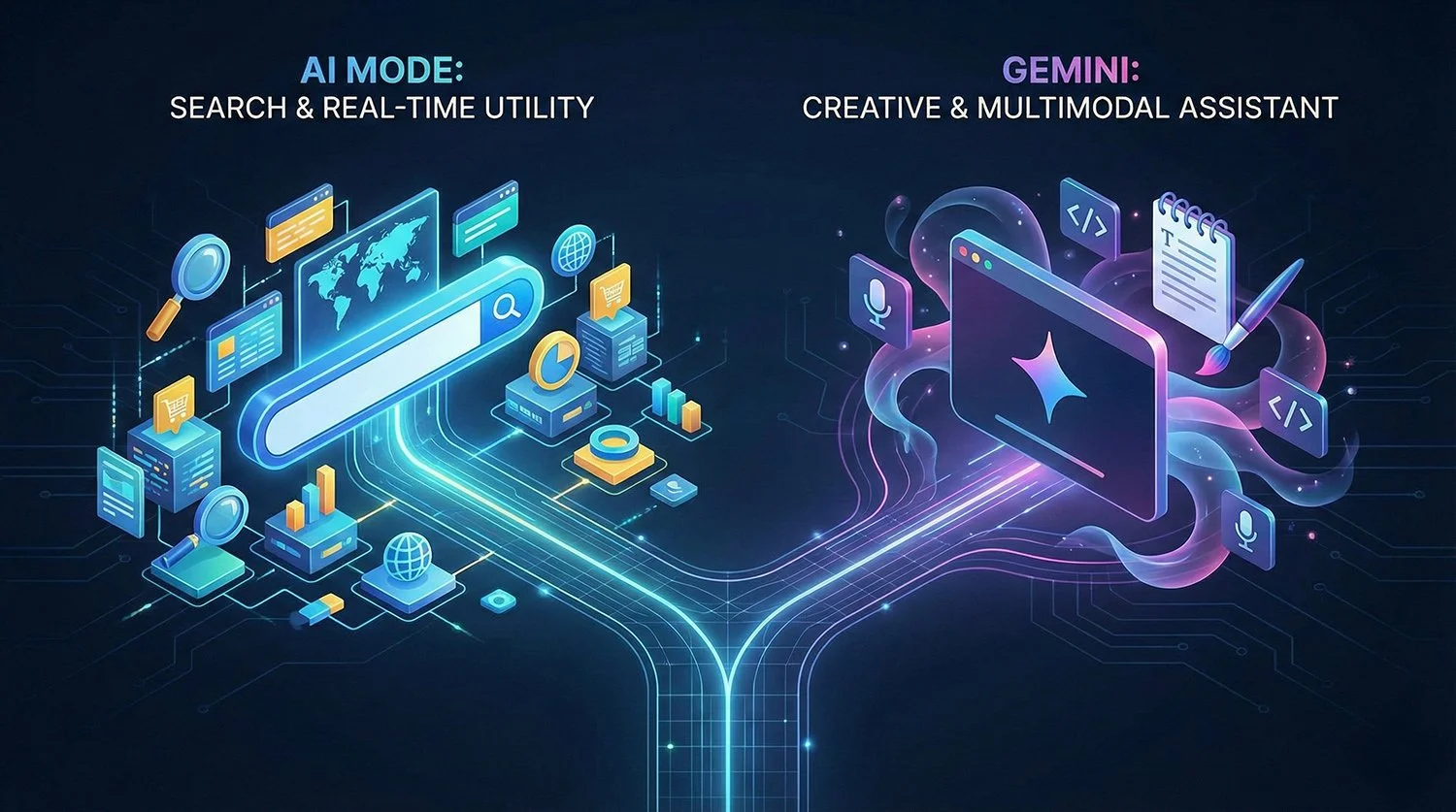
In practice, the Gemini app can be used for research style tasks, but it is not inherently constrained to your own uploaded corpus in the way NotebookLM is. NotebookLM’s design nudges users toward traceability and source checking, whereas Gemini’s design prioritises versatility and general assistance.













Output, Verification, and “Show Your Working”
NotebookLM’s verification posture is explicit: citations are a core interface feature, and the Deep Research workflow is designed to pull in sources that remain attached to the notebook as part of a reusable knowledge base.
Gemini 3 Pro’s posture is capability led: it is marketed as improved reasoning and multimodal performance, but traceability depends more on how a user prompts and which features they use in the Gemini app experience.
The operational difference is simple: NotebookLM is set up to help you defend a claim with a visible trail back to sources; Gemini 3 Pro is set up to help you generate and refine the claim quickly, then you still need to do the sourcing and verification step deliberately.





















Data Handling and Privacy: Where the Risk Profiles Diverge
This is the area where “use case fit” often flips.
NotebookLM: Google states that NotebookLM does not use your notebook content to train models unless you choose to provide feedback, and it notes Workspace specific protections when used under Google Workspace.
Gemini app: Google’s Gemini Apps Privacy Notice describes collection and use of prompts, outputs, and related content, and notes that human reviewers may review some data to improve Google services and machine learning technologies. It also flags controls such as Temporary chat and activity settings that affect whether future chats are used for model improvement.
For work or school accounts, Google also documents that some Gemini offerings operate with enterprise grade protections where content is not human reviewed or used for generative AI model training outside the customer domain without permission, but availability and features depend on the specific Workspace setup.





















When to use Which: a Practical Split for Research Teams
Use NotebookLM when:
You already have a defined corpus (papers, policies, transcripts, internal docs) and need answers tied to that corpus with citations.
You want repeatable research assets: a notebook that can be revisited, shared, and extended over time.
Use Gemini 3 Pro in the Gemini app when:
You need broad ideation, synthesis, or reasoning across messy inputs (including multimodal), and you are prepared to separately verify claims before publication.
You are building tooling or pipelines where the model itself matters (for example via the Gemini API).
Many teams will end up using both: Gemini 3 Pro to draft angles and structure quickly, then NotebookLM to ground the final piece in traceable sources and keep a long lived research notebook for future follow ups.

















 TheDayAfterAI News
We are a leading AI-focused digital news platform, combining AI-generated reporting with human editorial oversight. By aggregating and synthesizing the latest developments in AI — spanning innovation, technology, ethics, policy and business — we deliver timely, accurate and thought-provoking content.